Blog
How Do You Charge a K12 Karaoke Machine?

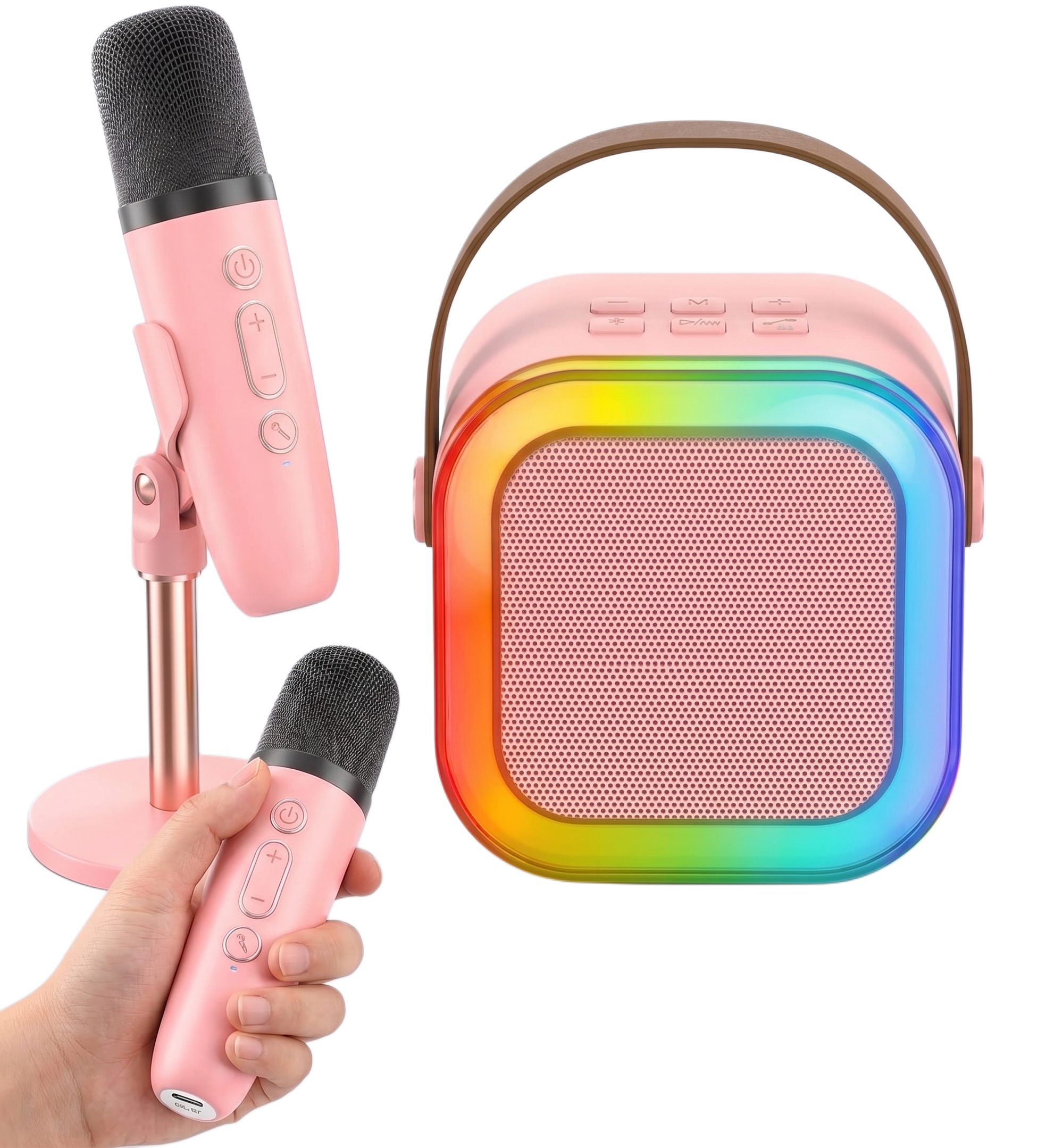
Charge your K12 karaoke machine by plugging the included USB-C cable into the speaker and each microphone, then connecting the other end to a standard 5V, 1A USB power source. A solid red light means the unit is charging, and the light turning off means the battery is full, which usually takes three to four hours.
How Do You Connect the Charging Cable?
Plug the small end of the USB-C cable into the charging port on the speaker, then plug a separate cable into the port at the base of each wireless microphone. The speaker and microphones charge independently of each other, so all three components need their own cable and power source connected at the same time if you want the full setup ready before your next session.
What Power Source Should You Use?
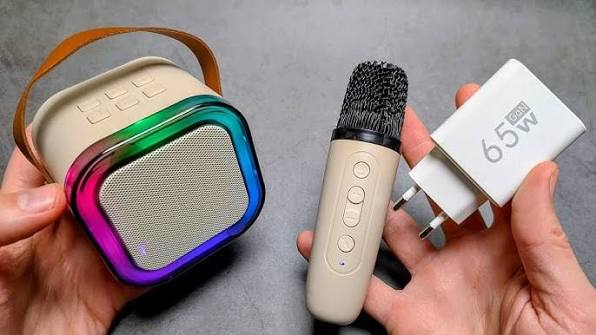
Connect the other end of the cable to a standard 5V, 1A USB power source, such as a laptop port or a basic wall adapter. Skip fast charging or turbo phone chargers entirely. The higher output that speeds up a phone can overwhelm the smaller battery inside the K12 and shorten its lifespan over time, so a standard USB port is the safer choice even though it charges more slowly.
How Long Does a Full Charge Take?
A full charge from empty takes three to four hours. Watch for a solid red light on the speaker and each microphone while they charge. Once the battery is completely full, that red light turns off on its own, which is your signal to unplug rather than a fixed timer you need to track yourself. If the red light never comes on in the first place, that usually points to a cable or port issue rather than a charging time problem.
Should You Use the K12 While It Charges?
Leave the music off until charging finishes. Playing through the speaker or singing on a microphone while it is plugged in adds extra strain to the battery and can affect how well it holds a charge over time. Let the red light run its course, then unplug before you start your next sing-along.
The K12 Mini Karaoke Machine at Buy Karaoke Machine
Buy Karaoke Machine stocks the full K12 Mini Karaoke Machine range with a battery built to handle a full night of singing on one charge. Bluetooth 5.3 keeps both microphones synced to the speaker, a 6W driver carries vocals across a full room, and RGB rhythm-reactive lights turn a simple charge and go setup into a proper party centrepiece. Most charging concerns come down to the wrong cable or power source rather than a battery fault. Visit Buy Karaoke Machine for the full K12 range and support.
Frequently Asked Questions
How long does it take to charge a K12 karaoke machine?
A full charge from empty takes three to four hours. The red light on the speaker and microphones turns off on its own once the battery is full.
Can I use a fast charger to charge my K12 faster?
No. Fast or turbo phone chargers push more power than the K12 battery is built for and can shorten its lifespan. Stick to a standard 5V, 1A USB power source.
Can I play music while my K12 karaoke machine is charging?
It is better not to. Using the speaker or microphone while it is plugged in adds strain to the battery, so it is worth waiting until the red light turns off before you start singing.
Why won’t my K12 karaoke machine charge?
Check that you are using the original USB-C cable and a standard wall adapter or laptop port first, since a faulty cable is the most common cause. If the red light still will not come on, the battery itself may need attention.