Blog
How Do I Turn Off Echo on My K12 Karaoke Machine?

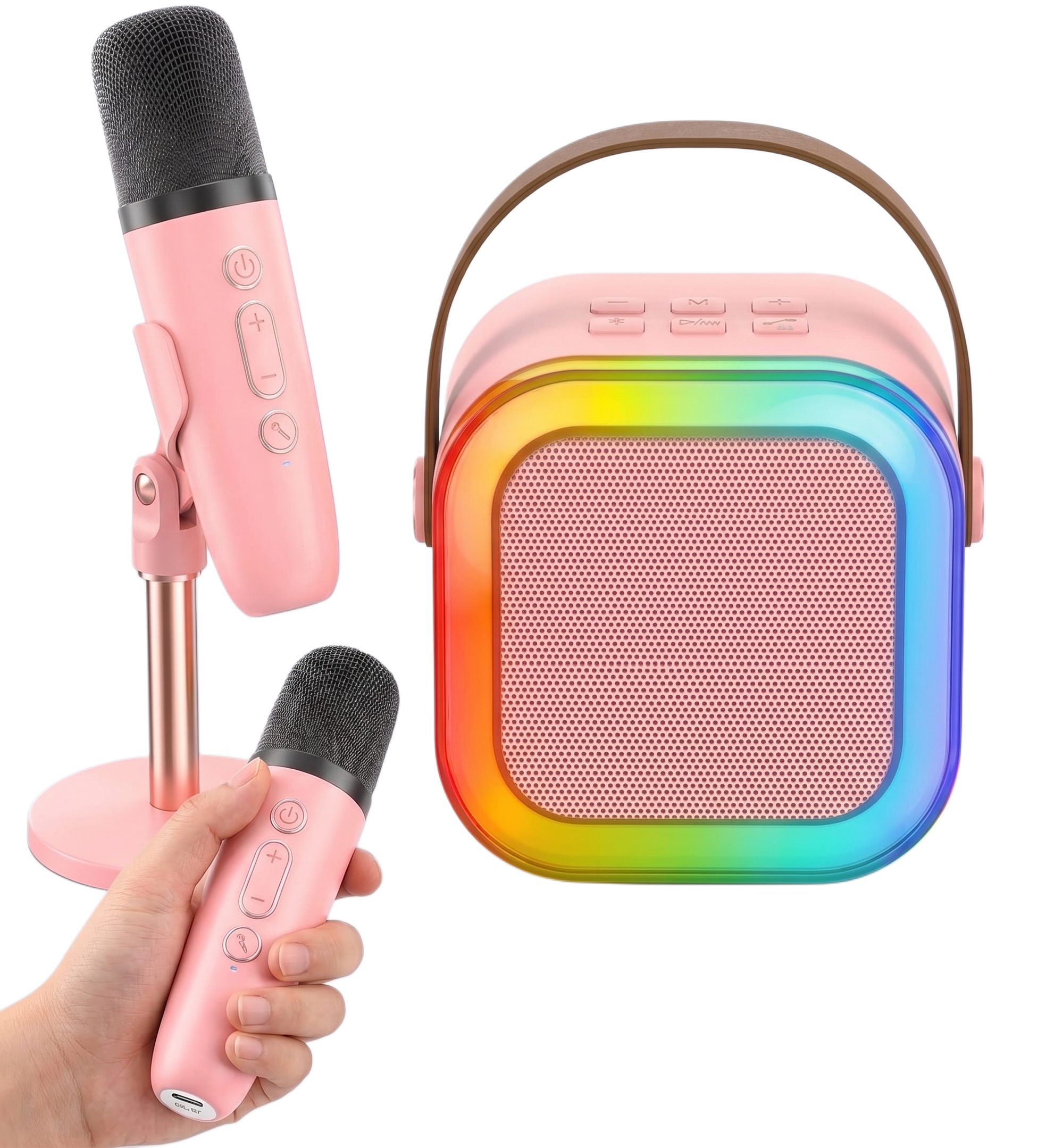
Turn off echo on your K12 karaoke machine by pressing the power or function button on the microphone twice, or by pressing the volume down button twice. You will hear a beep each time the echo mode changes, and another beep confirms once it switches off completely.
How Do You Turn Off Echo Using the Microphone Button?
Press the power and function button on the microphone twice in quick succession. This button doubles as the main control for reverb and echo, so a fast double click toggles the effect off without powering down the mic. A single click just cycles through modes, so a deliberate double tap is what actually switches echo off rather than changing it to something else. For the full control layout, the buttons work the same way across power, volume, and effects.
How Do You Turn Off Echo Using the Volume Button?
Press the volume down button on the microphone twice as an alternative method. On some K12 units this button cycles through the built-in vocal effects the same way the function button does, so tapping minus twice lands you back on the clean, unprocessed setting. Use whichever button responds fastest on your unit, since not every batch maps the controls identically.
How Do You Know the Echo Has Actually Turned Off?
Listen for the beep. The K12 sounds a short beep every time the echo mode changes, so you will hear one as it shifts and often a second confirming beep once echo is fully off. Speak or sing a line right after the beep. If your voice still sounds delayed or layered, press the same button again rather than switching to a different one.
Why Does My K12 Keep Cycling Through Voice Effects Instead of Turning Off Echo?
Holding the button too long or clicking it more than twice pushes the mic past echo and into its voice changer modes. The same button that controls echo also cycles through fun voice effects on many K12 units, so a long press or a third click keeps moving through settings instead of landing on your normal voice. Keep tapping gently and listen after each click. Your raw, unprocessed voice with no delay is the setting you want, and it usually sits right next to the echo setting in the cycle. If your mic still won’t respond the way it should after that, that’s usually a different microphone issue rather than the echo setting.
The K12 Mini Karaoke Machine at Buy Karaoke Machine
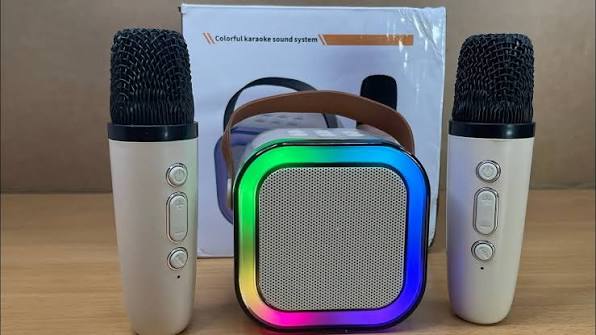
Buy Karaoke Machine stocks the full K12 Mini Karaoke Machine range built for exactly this kind of quick control. Five voice effects sit on a single button, Bluetooth 5.3 keeps both microphones synced to the speaker, and a 6W driver carries vocals clearly across a full room. Most echo complaints come down to an extra click rather than a fault with the machine itself. Visit Buy Karaoke Machine for the full K12 range and support.
Frequently Asked Questions
How do I turn off echo on my K12 karaoke microphone?
Press the power or function button twice, or the volume down button twice. A beep confirms each change, and echo switches off within two clicks.
Why does my K12 microphone still sound delayed after I press the button?
You likely landed on a different effect instead of the clean setting. Press the same button again and listen after each beep until your voice sounds normal with no delay.
What does the beep on my K12 microphone mean?
The beep confirms the echo or effect mode has changed. One beep signals a mode switch, and singing right after it tells you whether you landed on the setting you wanted.
How do I turn off the voice changer on my K12 microphone?
Keep tapping the same power or volume button gently. Voice changer effects sit in the same cycle as echo, so continuing to click through, one press at a time, brings you back to your normal voice.