Blog
How Do You Connect the K12 Wireless Karaoke Speaker?

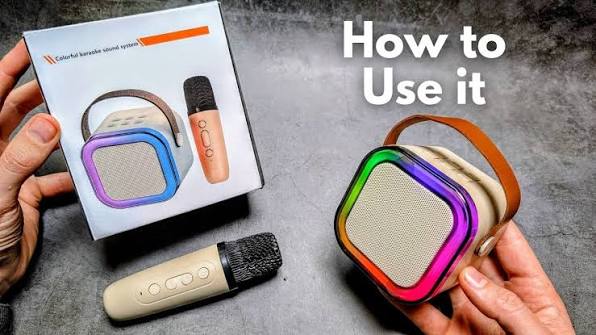
Connect the K12 wireless karaoke speaker by powering on the speaker and microphones, waiting for the mics to auto-pair with the speaker, then opening Bluetooth on your phone and selecting K12 from the available devices list. The whole process takes under 60 seconds.
How Do You Turn On the K12 Speaker and Microphones?
Press and hold the power button on the speaker for a few seconds until the indicator light starts flashing. Then press and hold the power button on each microphone until their lights begin blinking.
The microphones come pre-paired to the speaker from the factory. You do not need to manually pair them together. Once both the speaker and mics are powered on, they find each other automatically. The mic indicator light stops blinking and holds solid when the connection is confirmed.
Always power the speaker on first. The mics search for the speaker on startup, so giving the speaker a five-second head start avoids the mic searching before the speaker is ready to receive.
How Do You Connect the K12 to Your Phone via Bluetooth?
Open Bluetooth settings on your phone and make sure Bluetooth is switched on. Look for “K12” or “Kinglucky Karaoke K12” in the list of available devices and tap to connect. The indicator light on the speaker stops blinking and turns solid blue when the Bluetooth connection is complete.
From that point, any audio from your phone plays through the K12 speaker. Open YouTube, Singa, Karafun, or any other karaoke or music app, press play, and the sound comes through the speaker while you sing into the mic.
The K12 uses Bluetooth 5.3, which pairs faster and holds a more stable connection at distance than older Bluetooth versions. You can move around the room freely without the connection dropping.
Do You Need to Re-Pair the K12 Every Time You Use It?
No. Once your phone has paired with the K12, it saves the connection. On subsequent uses, power on the speaker and it reconnects to your phone automatically as long as Bluetooth is enabled on both devices.
The microphones also reconnect to the speaker automatically every time you power them on. There is no manual pairing step after the first use unless you reset the speaker or connect it to a different phone.
How Do You Adjust the Volume and Voice Effects on the K12?
Use the volume buttons on the microphone to control how loud your voice sounds through the speaker. The speaker’s own volume buttons control the background music level. These are independent controls, so you can balance music and vocals separately without affecting either.
To activate voice changing effects, briefly press the microphone button to cycle through the available modes. To add echo or reverb, double click the volume button on the mic. Each click adjusts the echo level up or down. Test both settings before your session starts so you are not adjusting mid-song.
What Do You Do If the K12 Microphone Will Not Connect?
If the mic light keeps blinking and will not go solid, the speaker and mic did not sync. Turn both off completely, power the speaker on first, wait five seconds, then power the mic on.
If the problem continues, check that the mic battery is charged. A low battery can cause the mic to power on and search but fail to hold a connection. Charge via USB-C and retry.
Buy Karaoke Machine and the K12 Mini Karaoke Machine
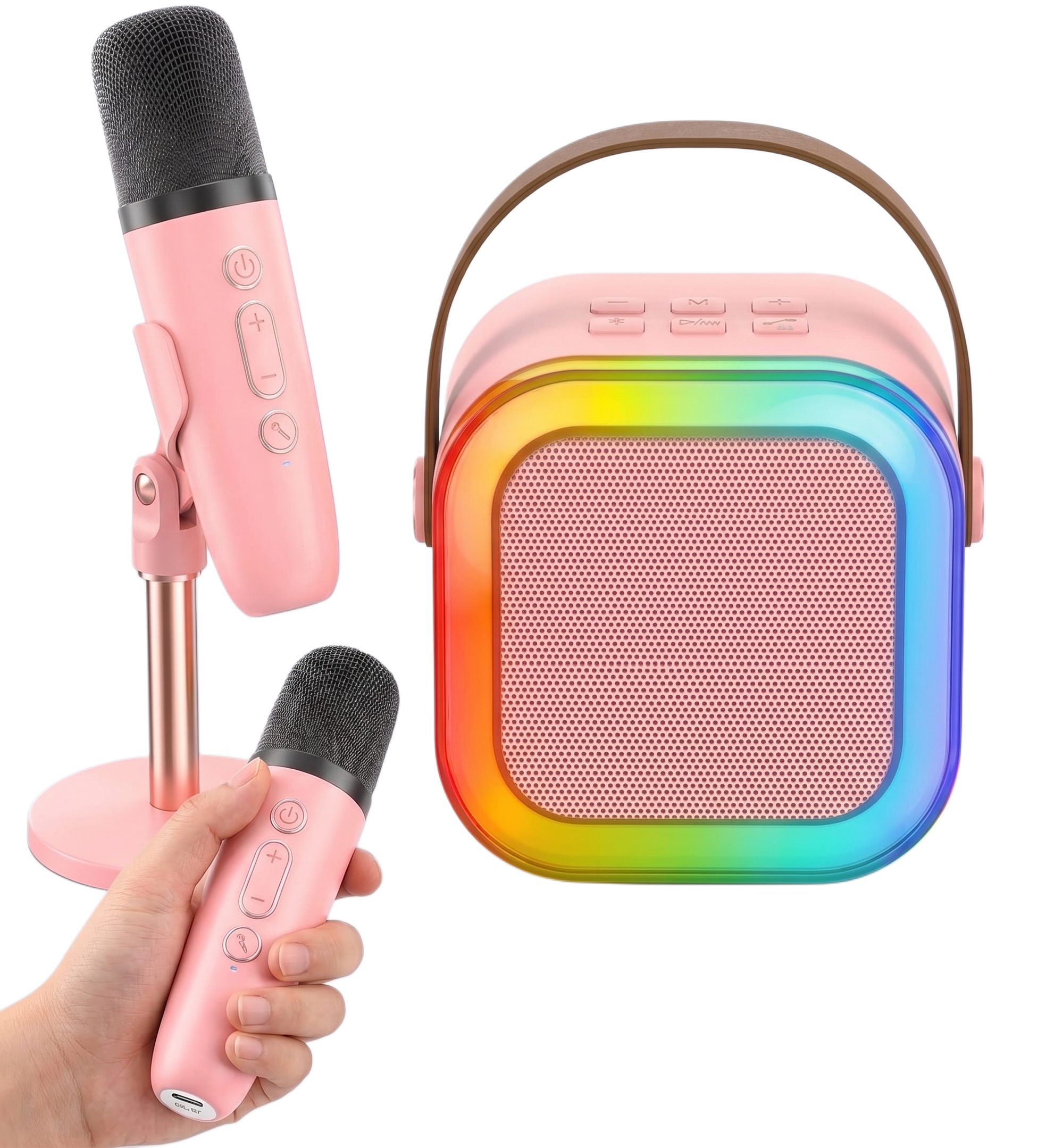
The K12 Mini Karaoke Machine at Buy Karaoke Machine is designed so setup never gets in the way of the fun. Bluetooth 5.3 for instant stable pairing, automatic mic syncing on power-on, a 6W driver that fills any room, RGB rhythm-reactive lights, and five voice effects on one button. Whether you are setting it up for a kids’ birthday or a casual evening with friends, the K12 is ready in under a minute. Find the full K12 range at Buy Karaoke Machine.
Frequently Asked Questions
How do I connect the K12 karaoke speaker to my phone?
Power on the speaker, open Bluetooth on your phone, select K12 from the device list, and tap to connect. The speaker light turns solid blue when paired.
Do the K12 microphones need to be paired manually?
No. The microphones come pre-paired to the speaker and reconnect automatically every time you power them on.
Why won’t the K12 microphone connect to the speaker?
Turn both off, power the speaker on first, wait five seconds, then power the mic on. A low mic battery can also prevent a successful connection.