Blog
How Do You Connect a Mini Karaoke Machine to Your Phone?

Connect a mini karaoke machine to your phone via Bluetooth in three steps: turn on the machine, open your phone’s Bluetooth settings, and tap the device name to pair. Most machines connect in under 30 seconds and stay connected automatically every time after that.
How Do You Connect a Mini Karaoke Machine via Bluetooth?
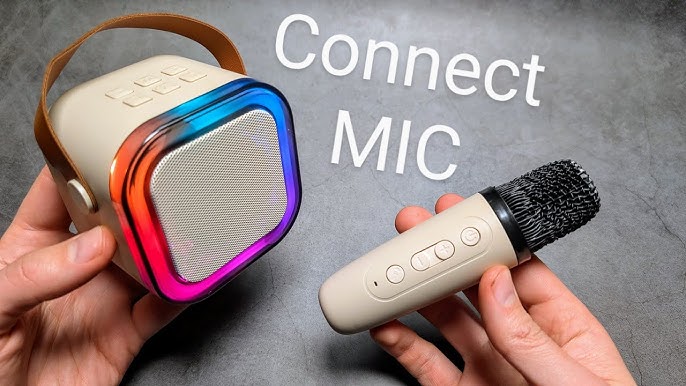
Bluetooth is the fastest and most common connection method. Turn on the karaoke machine and activate pairing mode by holding the Bluetooth or Mode button until you hear a tone or see the indicator light flash. Open Bluetooth settings on your phone, find the device name in the available list, and tap to connect. A confirmation chime or solid light means you are paired.
Once connected, open any karaoke app, YouTube, or music streaming service on your phone and press play. The audio routes through the speaker instantly.
Keep your phone within five to ten metres of the machine for a stable signal. If another Bluetooth device was previously connected to either your phone or the machine, disconnect it first to avoid pairing conflicts.
What If Your Mini Karaoke Machine Has an AUX Port?
Use an AUX cable if Bluetooth is unavailable or if you want zero latency between the music and the speaker. Plug one end into your phone’s headphone jack and the other into the machine’s 3.5mm AUX input. Press the Mode button on the machine until it switches to AUX mode.
Newer phones without a headphone jack need a Lightning to 3.5mm or USB-C to 3.5mm adapter. These cost between £5 and £10 and are widely available. AUX removes any wireless lag, which matters when you are trying to keep vocals in time with the backing track.
Can You Use a Mini Karaoke Machine Without Your Phone at All?
Yes. Most mini karaoke machines accept a TF card or USB drive loaded with MP3 files. Insert the card or drive into the correct port, press the Mode button until the machine reads from that input, and use the track buttons to navigate your songs.
This is the most practical setup for kids. No phone involved, no Bluetooth to manage, and no risk of the music cutting out because someone opened an app in the background. Preload the TF card with a setlist and hand the machine over.
Why Is There a Lag Between the Music and the Mic?
Audio lag on a mini karaoke machine is almost always a Bluetooth issue rather than a hardware fault. Bluetooth audio carries a small inherent delay, typically 100 to 300 milliseconds depending on the codec your phone uses. On some phones and apps this is barely noticeable. On others it makes staying in time genuinely difficult.
Two fixes work reliably. First, switch to AUX if the machine has a port. Second, use a karaoke app that includes a sync or latency adjustment setting. Apps like Karafun and Singa both include offset controls that let you nudge the audio forward or back to compensate.
How Do You Connect the K12 Mini Karaoke Machine to Your Phone?
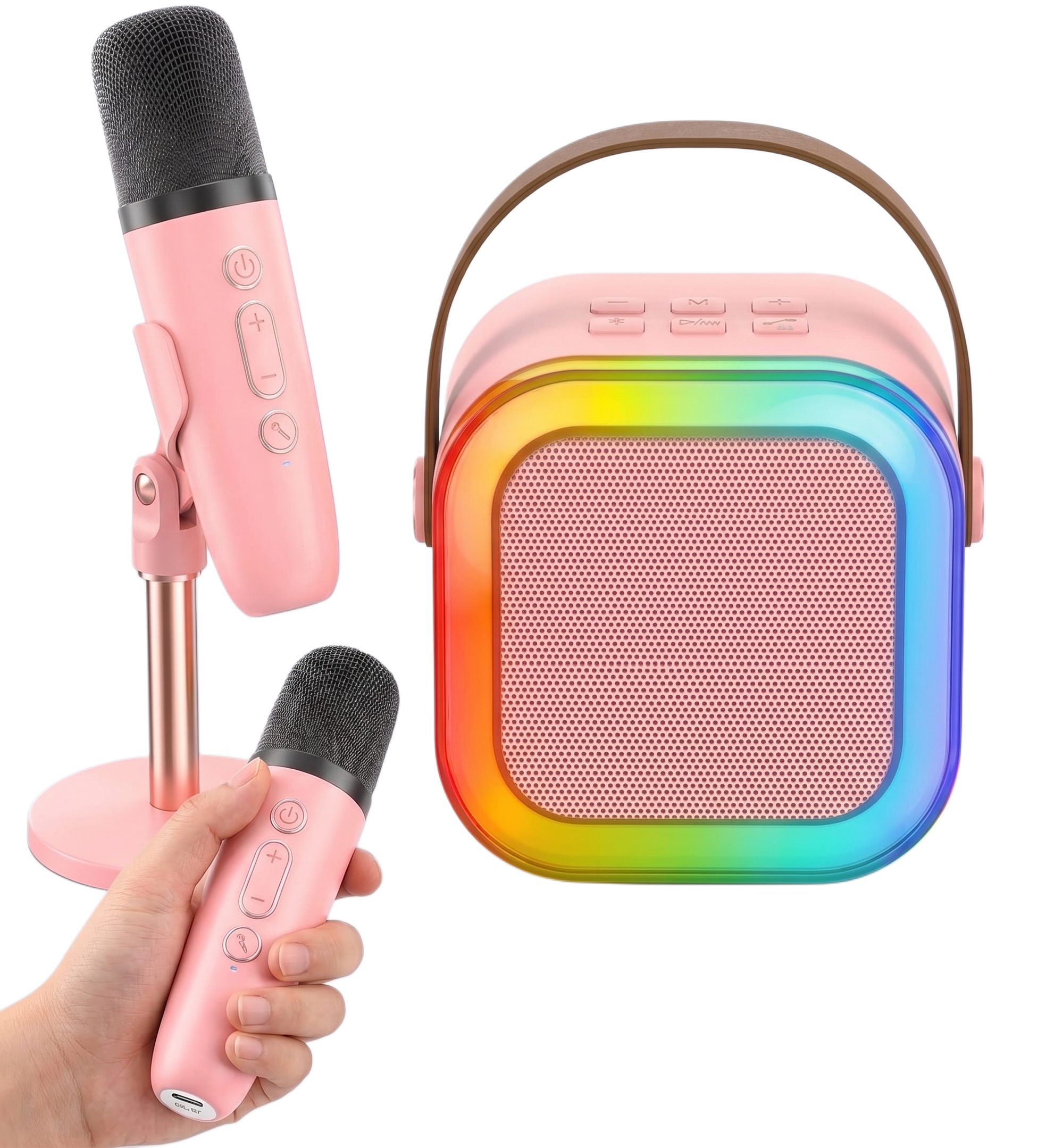
The K12 Mini Karaoke Machine from Buy Karaoke Machine uses Bluetooth 5.3, which is faster to pair and more stable at distance than older Bluetooth versions. Power on the K12, open Bluetooth settings on your phone, and tap K12 from the available devices list. A soft chime confirms the connection. Open YouTube or any karaoke app and the audio plays through the 6W speaker immediately. The K12 also accepts TF cards for phone-free use, making it one of the most flexible options in the mini karaoke category. If you are buying your first machine and want setup to be genuinely instant, the K12 at Buy Karaoke Machine is the straightforward choice.
Frequently Asked Questions
Why won’t my mini karaoke machine connect to my phone?
Restart both devices and try again. If the machine was previously paired to another phone, clear its pairing memory by holding the Bluetooth button for five to ten seconds before attempting to connect.
Can I use Spotify with a mini karaoke machine?
Yes. Pair via Bluetooth and play Spotify normally. For actual karaoke, use a dedicated app like Karafun, Smule, or SingSnap alongside the Spotify track for lyrics on screen.
Does connecting via AUX sound better than Bluetooth?
AUX produces no wireless lag and a direct audio signal. Whether it sounds better depends on the cable quality and your phone’s headphone output. For most casual use, Bluetooth at close range is indistinguishable.